

1
Open the submissions tab
In the dashboard, open the form and go to the “Submissions” tab.
2
Export as CSV
Click the “Export” button and choose “Export as CSV”. The file downloads immediately.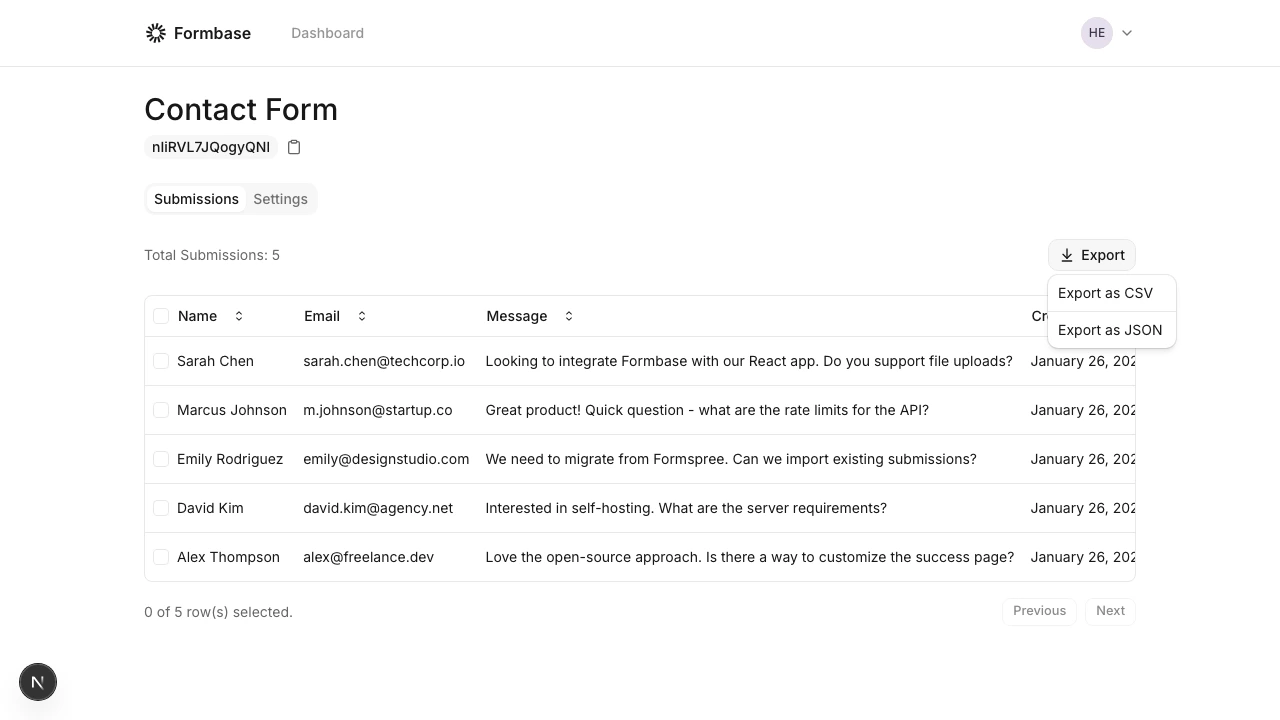
What to expect in the CSV
- Columns are the field names you have submitted.
- Missing fields appear as empty cells.
- File uploads appear as URLs under
fileorimage.
If you need nested data or arrays, use the JSON export instead.