

1
Enable notifications
Open your form, go to the “Settings” tab, and toggle “Enable Form Submission Notifications”.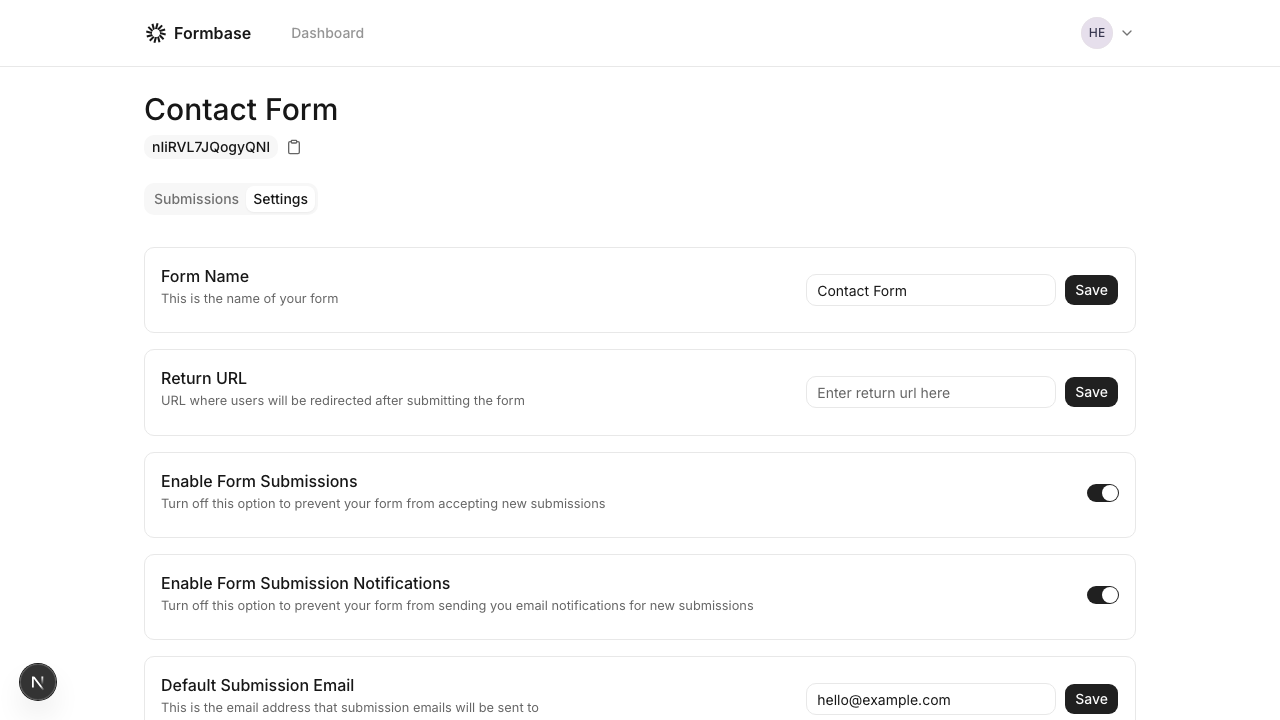
2
Configure email delivery
If you are self-hosting, set up SMTP or Resend in your environment. See Email setup.
3
Test the flow
Submit a test entry and confirm the email arrives.
Notification emails are sent to the form’s default recipient email. Update it in settings if needed.