Formbase uses a built-in success page for browser submissions. You can add a return URL in the dashboard so users can navigate back to your site, or you can handle redirects yourself with JavaScript. Choose the approach that fits your UX.
1

Option 1: Use the built-in success page

In the form settings, set a return URL. After submission, Formbase displays a success page with a “Return” button pointing to that URL.
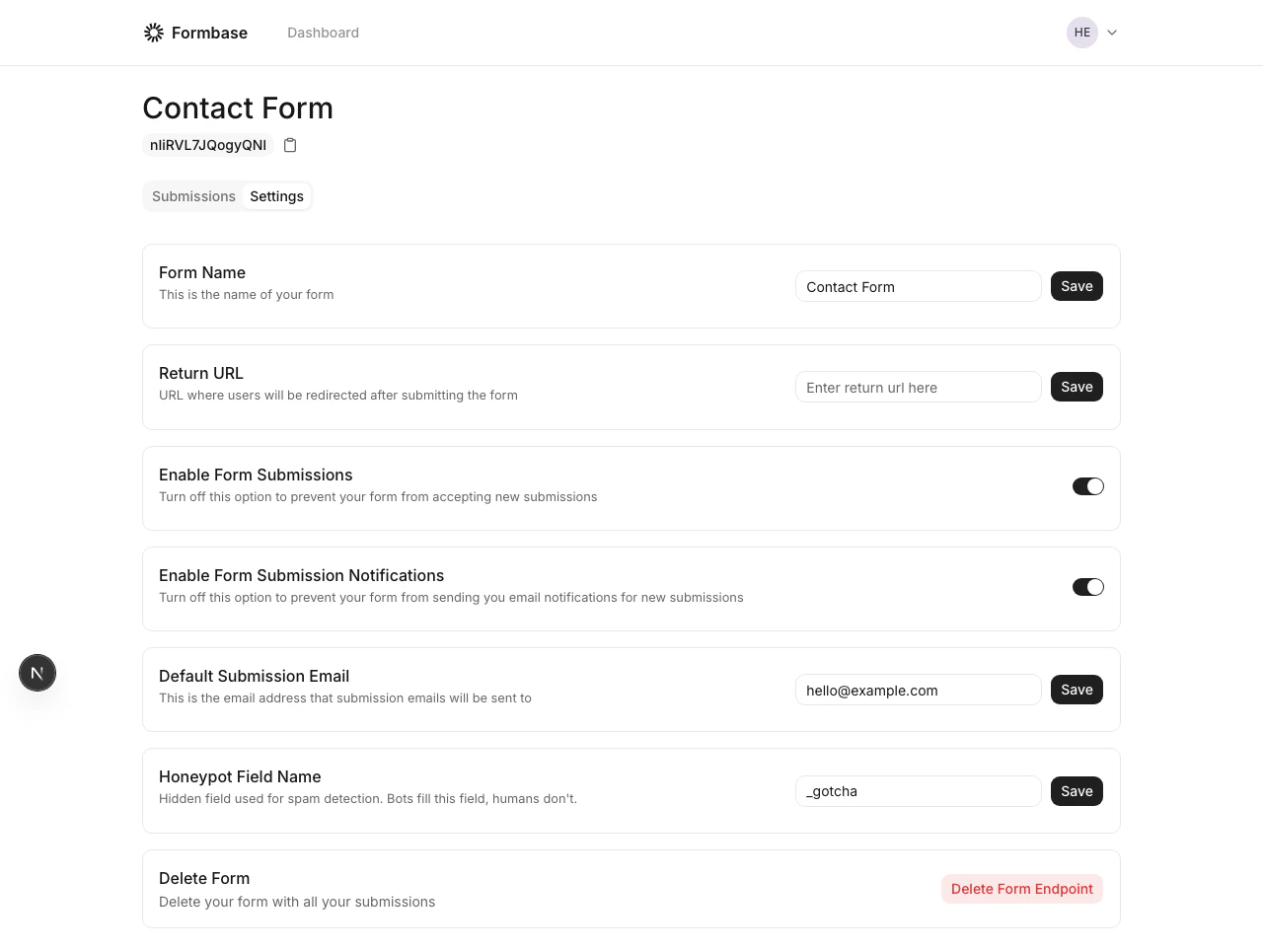

Form settings with return URL field
Built-in success page
2

Option 2: Redirect manually

Intercept the submission with JavaScript and send users to your own thank-you page.
const response = await fetch('https://formbase.dev/s/YOUR_FORM_ID', {
  method: 'POST',
  body: new FormData(formElement),
  redirect: 'manual',
});

if (response.status === 303 || response.ok) {
  window.location.href = '/thanks';
}
This gives you full control over the post-submit experience.
Browser requests receive a 303 redirect. Treat it as success when using client-side fetch.