

Introduction
The Formbase API provides programmatic access to your forms and submissions. Use it to build custom integrations, automate workflows, or manage your forms from external applications.Base URL
All API requests should be made to:Authentication
The API uses Bearer token authentication with API keys. Include your API key in theAuthorization header:
Keep your API keys secure. Don’t share them in public repositories or expose them in client-side code.
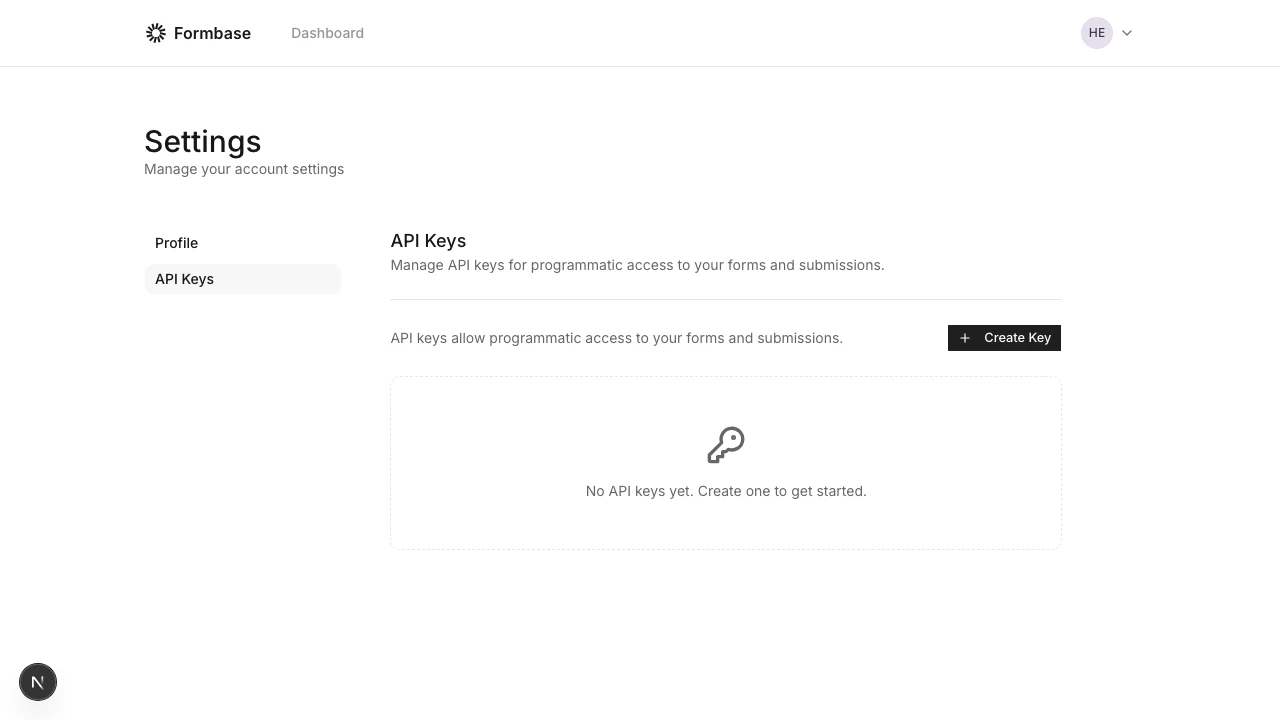
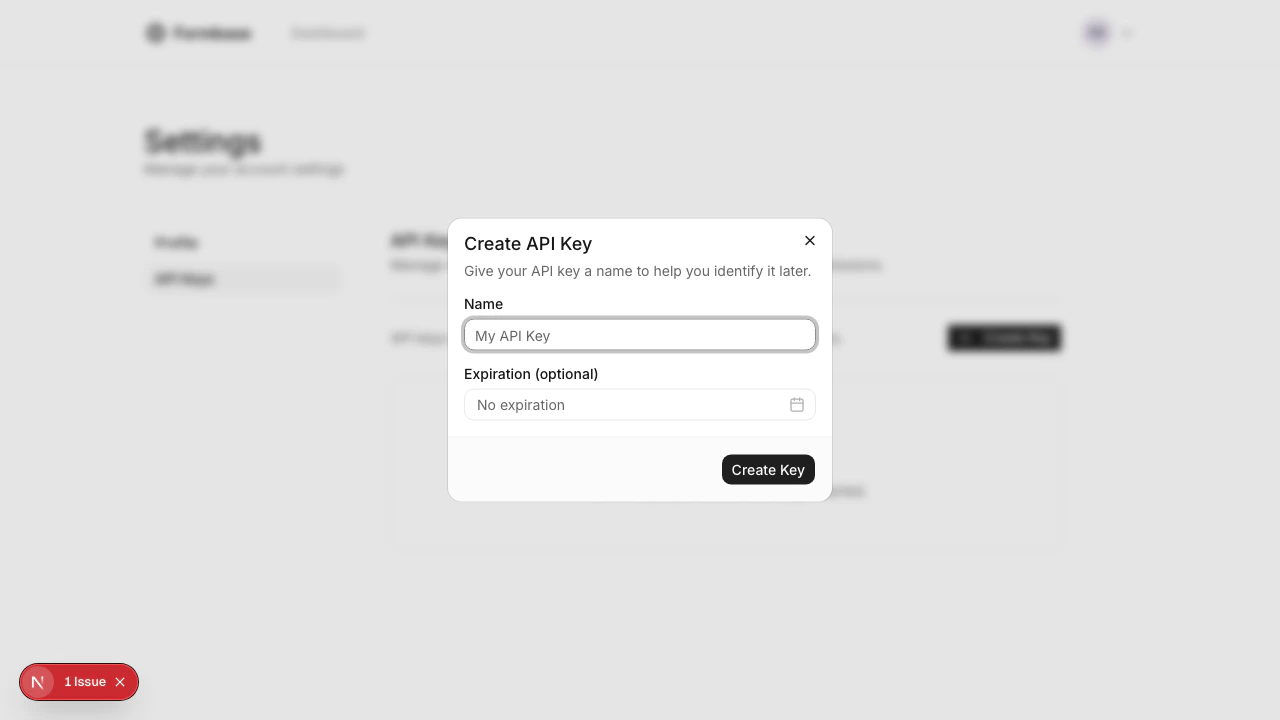
Creating API Keys
- Go to your Dashboard Settings
- Click “Create Key”
- Give your key a descriptive name
- Optionally set an expiration date
- Copy the key immediately - it won’t be shown again
Rate Limits
API requests are rate limited to 100 requests per minute per API key. Rate limit information is included in the response headers:
When you exceed the rate limit, the API returns a
429 Too Many Requests response with a Retry-After header indicating how many seconds to wait.