

How Formbase works
1
Create a form endpoint
Forms live in the dashboard. Each form gets a unique endpoint like
https://formbase.dev/s/your-form-id.2
Send a submission
Any HTTP client can submit. For static sites, use a normal HTML form. For apps, use fetch or a server action.
3
Review and notify
Submissions appear in the dashboard. Enable email notifications if you want alerts for new entries.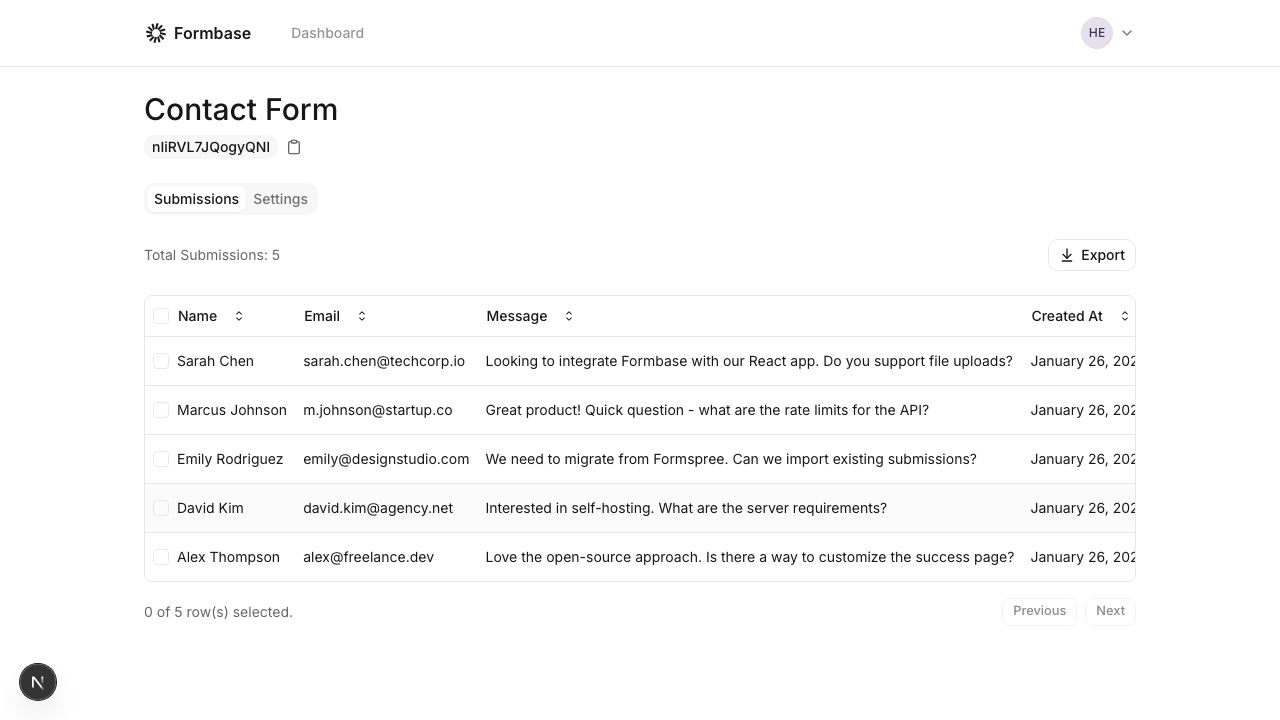
Formbase does not enforce a field schema. The
name attributes you send become keys in your submission data.Quick start examples
- HTML form
- Server submit
index.html
Next steps
Create your first form
Set up a form in the dashboard and grab its endpoint.
Find your endpoint
Learn how endpoints work for hosted and self-hosted setups.