

1
Open the form settings
Go to the form in your dashboard and open the “Settings” tab.
2
Toggle submissions
Switch “Enable Form Submissions” on or off.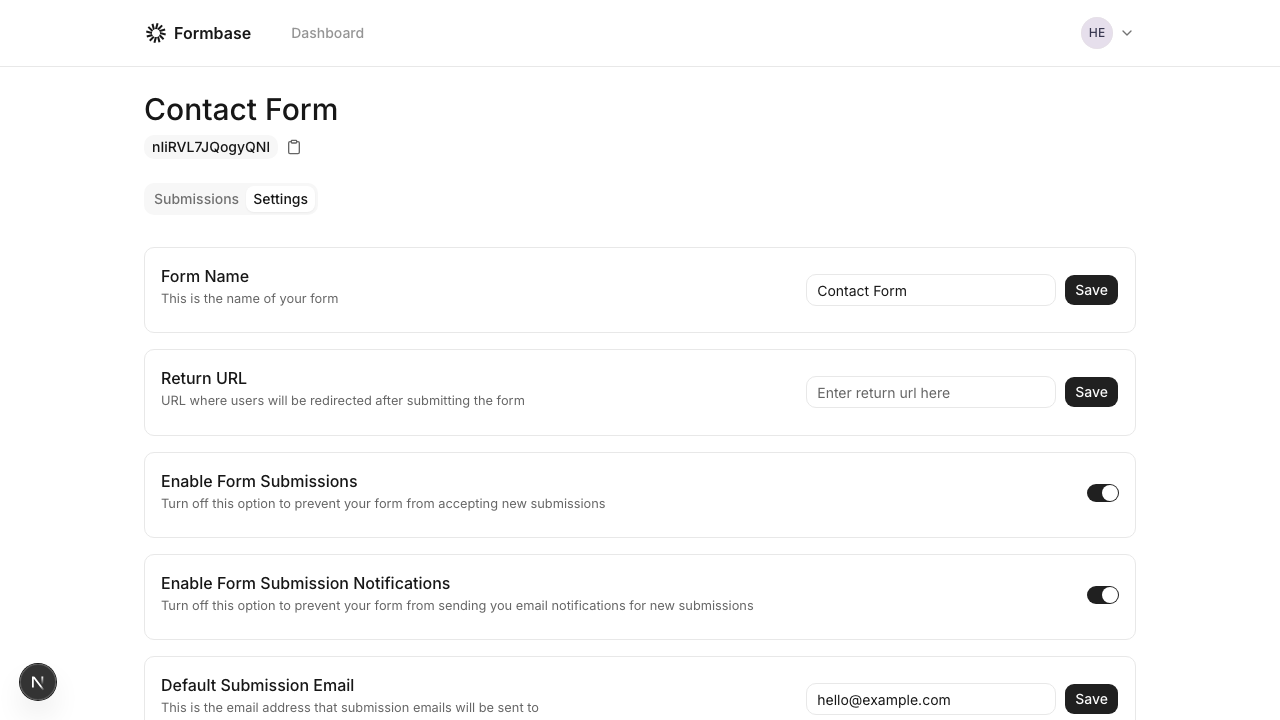
The open-source endpoint does not currently enforce the toggle at the HTTP layer. If you need a hard block, remove the form from your site or add a reverse proxy rule to block POST requests.