

1
Open the submissions table
Go to the form in your dashboard and open the “Submissions” tab.
2
Delete a submission
Use the row action menu (three dots) and select “Delete”. The submission is removed immediately.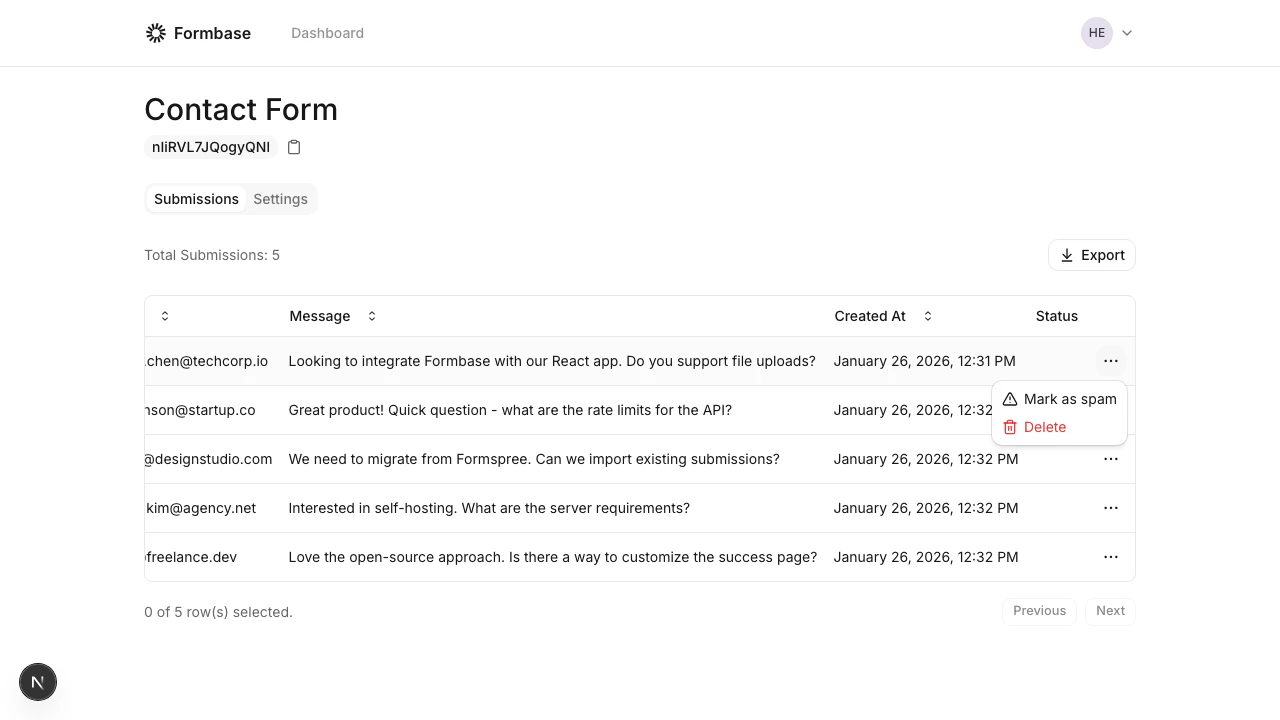
Deletions are permanent. Export your data first if you might need it later.