> ## Documentation Index
> Fetch the complete documentation index at: https://docs.formbase.dev/llms.txt
> Use this file to discover all available pages before exploring further.
# Basic Redirect Setup
> Send users to a thank-you page after submission.
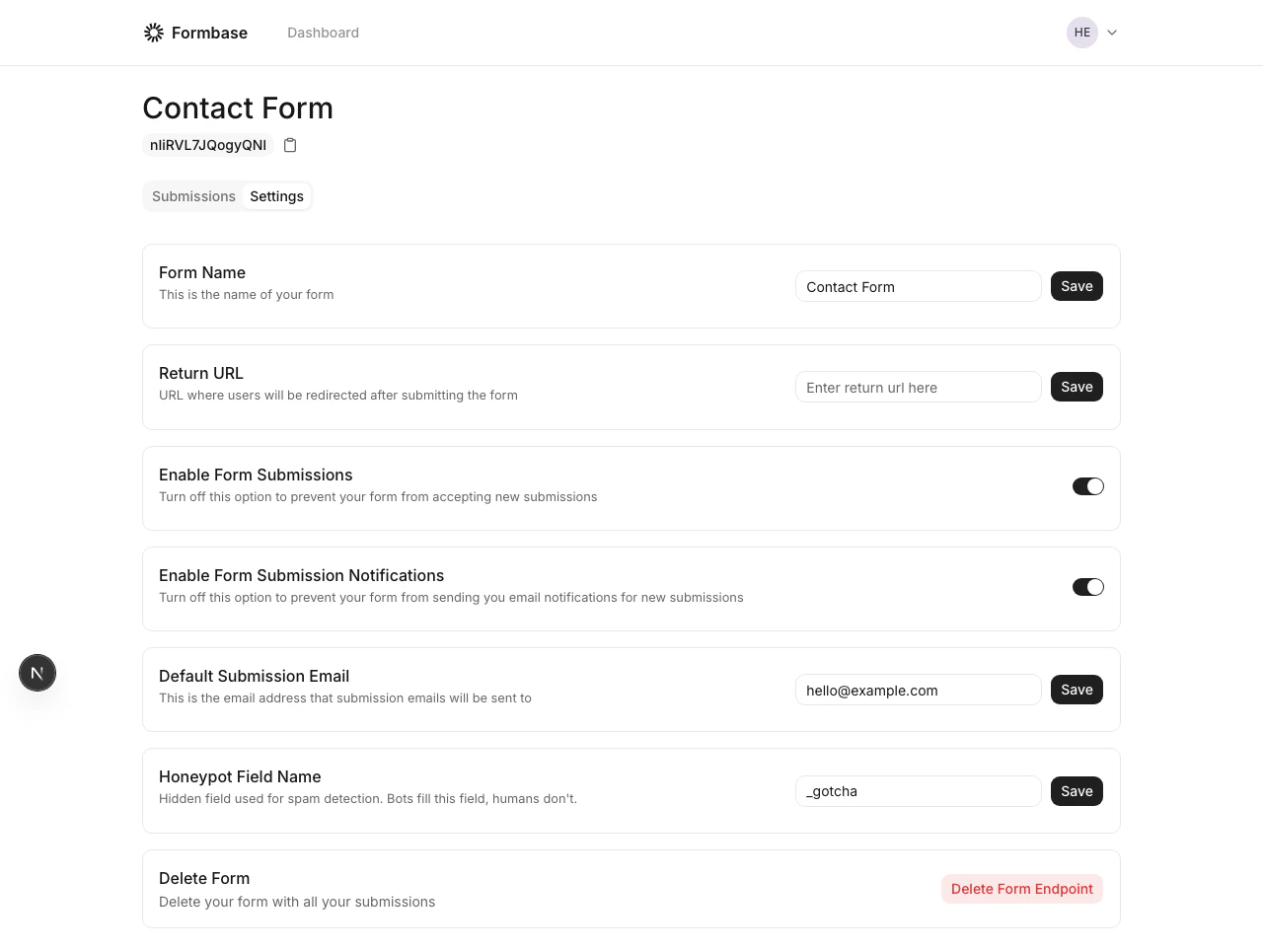
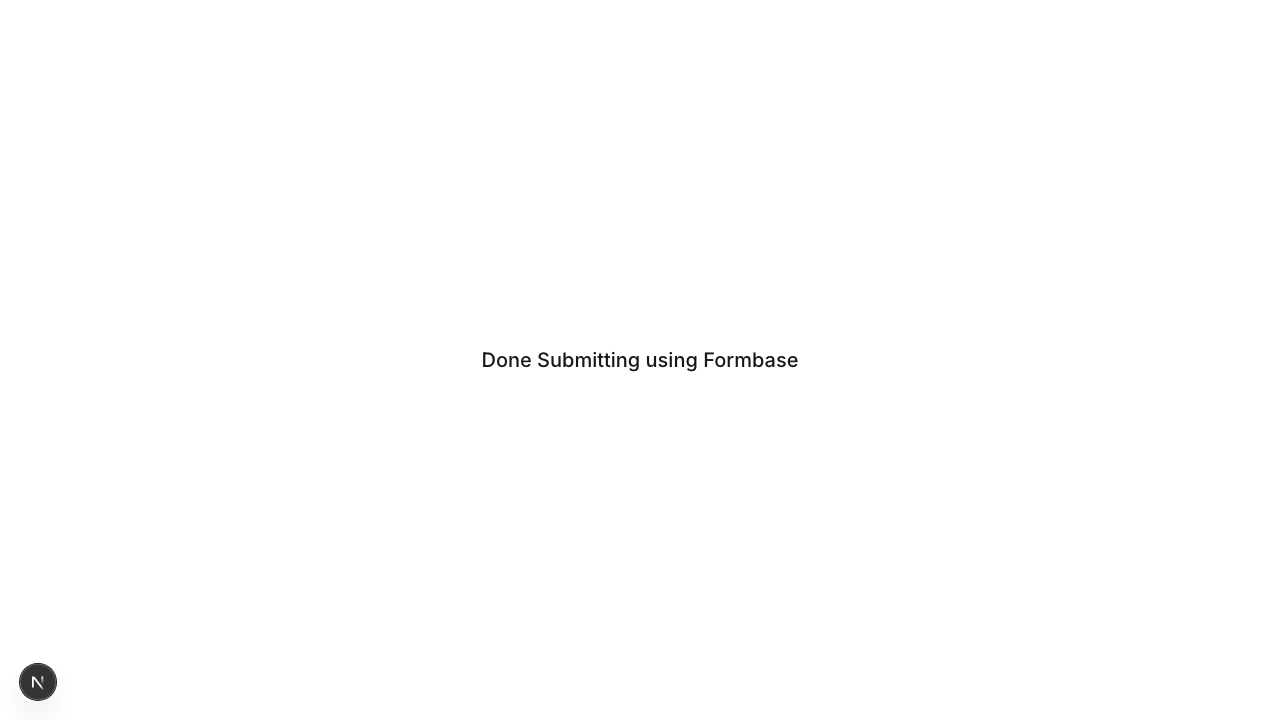
Formbase uses a built-in success page for browser submissions. You can add a return URL in the dashboard so users can navigate back to your site, or you can handle redirects yourself with JavaScript.
Choose the approach that fits your UX.
In the form settings, set a return URL. After submission, Formbase displays a success page with a "Return" button pointing to that URL.
 Intercept the submission with JavaScript and send users to your own thank-you page.
```js theme={null}
const response = await fetch('https://formbase.dev/s/YOUR_FORM_ID', {
method: 'POST',
body: new FormData(formElement),
redirect: 'manual',
});
if (response.status === 303 || response.ok) {
window.location.href = '/thanks';
}
```
This gives you full control over the post-submit experience.
Browser requests receive a `303` redirect. Treat it as success when using client-side fetch.
Intercept the submission with JavaScript and send users to your own thank-you page.
```js theme={null}
const response = await fetch('https://formbase.dev/s/YOUR_FORM_ID', {
method: 'POST',
body: new FormData(formElement),
redirect: 'manual',
});
if (response.status === 303 || response.ok) {
window.location.href = '/thanks';
}
```
This gives you full control over the post-submit experience.
Browser requests receive a `303` redirect. Treat it as success when using client-side fetch.