> ## Documentation Index
> Fetch the complete documentation index at: https://docs.formbase.dev/llms.txt
> Use this file to discover all available pages before exploring further.
# Formbase Documentation
> Open-source form backend. Get submissions in your inbox and dashboard. No backend code required.
Formbase is an open-source form backend that receives submissions from any frontend, stores them, and notifies you. You own the UI and validation, while Formbase handles storage, file uploads, and email alerts.
Every form gets a unique endpoint like `https://formbase.dev/s/your-form-id` (or `https://your-domain.com/s/your-form-id` when self-hosted). Browser posts land on a built-in success page, and server submissions return JSON.
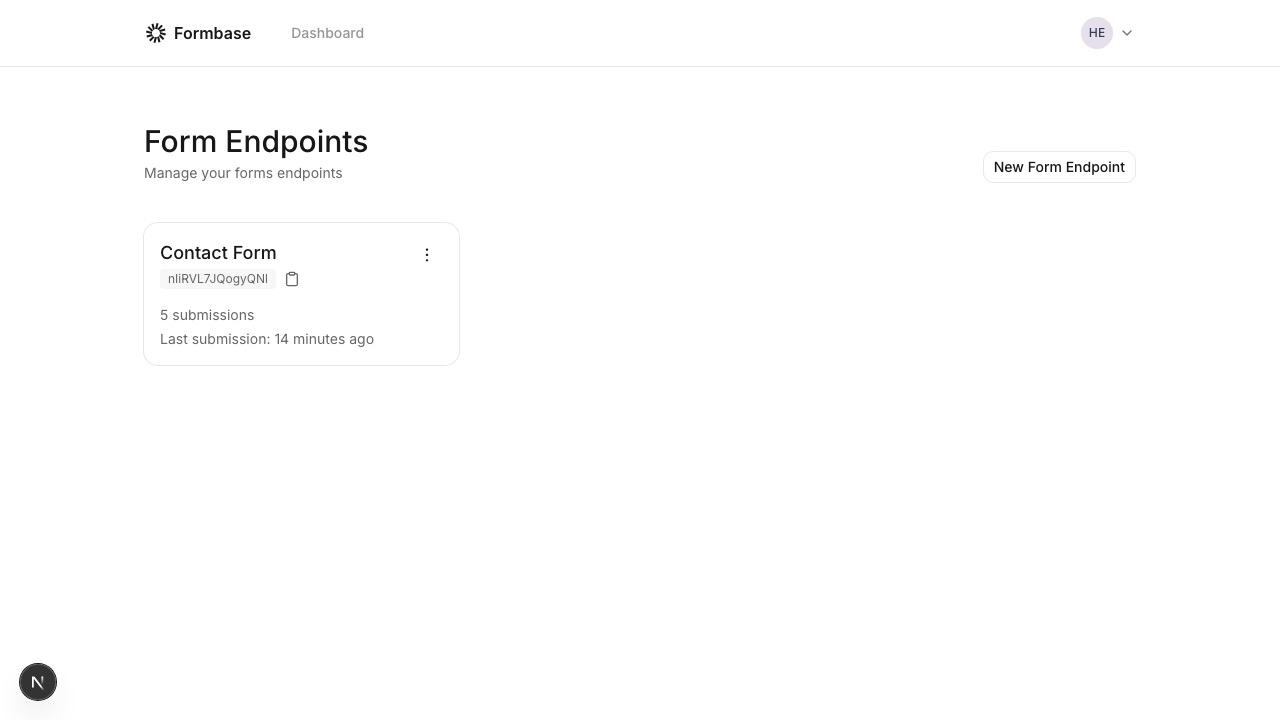 Set up a form in the dashboard and get your endpoint.
React, Vue, Next.js, Svelte, and more.
Accept files alongside text fields.
Run Formbase on your own infrastructure.
## Quick start: Plain HTML
This is the simplest way to use Formbase. Post a standard HTML form and let Formbase handle the redirect.
In the Formbase dashboard, create a new form and copy its endpoint URL.
Use the endpoint as the form `action`. This works in any static site or template.
```html index.html theme={null}
```
The `name` attributes become the keys in your submission data.
Submit the form in a browser and confirm the submission appears in the dashboard.
## Why Formbase
MIT licensed. Self-host or use the managed service.
Works with any framework. No vendor lock-in.
Export submissions anytime. No data hostage situations.
Set up a form in the dashboard and get your endpoint.
React, Vue, Next.js, Svelte, and more.
Accept files alongside text fields.
Run Formbase on your own infrastructure.
## Quick start: Plain HTML
This is the simplest way to use Formbase. Post a standard HTML form and let Formbase handle the redirect.
In the Formbase dashboard, create a new form and copy its endpoint URL.
Use the endpoint as the form `action`. This works in any static site or template.
```html index.html theme={null}
```
The `name` attributes become the keys in your submission data.
Submit the form in a browser and confirm the submission appears in the dashboard.
## Why Formbase
MIT licensed. Self-host or use the managed service.
Works with any framework. No vendor lock-in.
Export submissions anytime. No data hostage situations.